Green pair
Assess a long setup after bullish divergence confirms at candle close.
 Back to website
01 / GET SET UP
Start with access, add Waveform to your chart, then learn what each signal means.
After payment is confirmed, we automatically activate access for the TradingView username on your order and email your setup guide. The activation email confirms access is ready; then follow the steps below. If it has not arrived, check spam and contact support with your order reference.
A payment receipt confirms your order. Your separate activation email confirms that Waveform is ready for the TradingView username you supplied.
Sign in with that exact username. Your email address and display name can be different. You never need to share your password.
Open a standard candlestick chart, then Indicators → Invite-only scripts. Select Waveform Trading by leighroy20, matching the name and author in your activation email. No code needs to be pasted.
Begin on the daily chart. Check that the wave panel, large circles and confirmation diamonds are visible, then save your chart layout. See the settings reference in the guide.
You can install Waveform on a free TradingView account. Installation and reopening of the published indicator have been checked on a separate free account. Your plan’s indicator allowance still applies. Technical alerts have separate plan requirements and are set up separately in TradingView.
Check TradingView plan features02 / READ THE SIGNALS
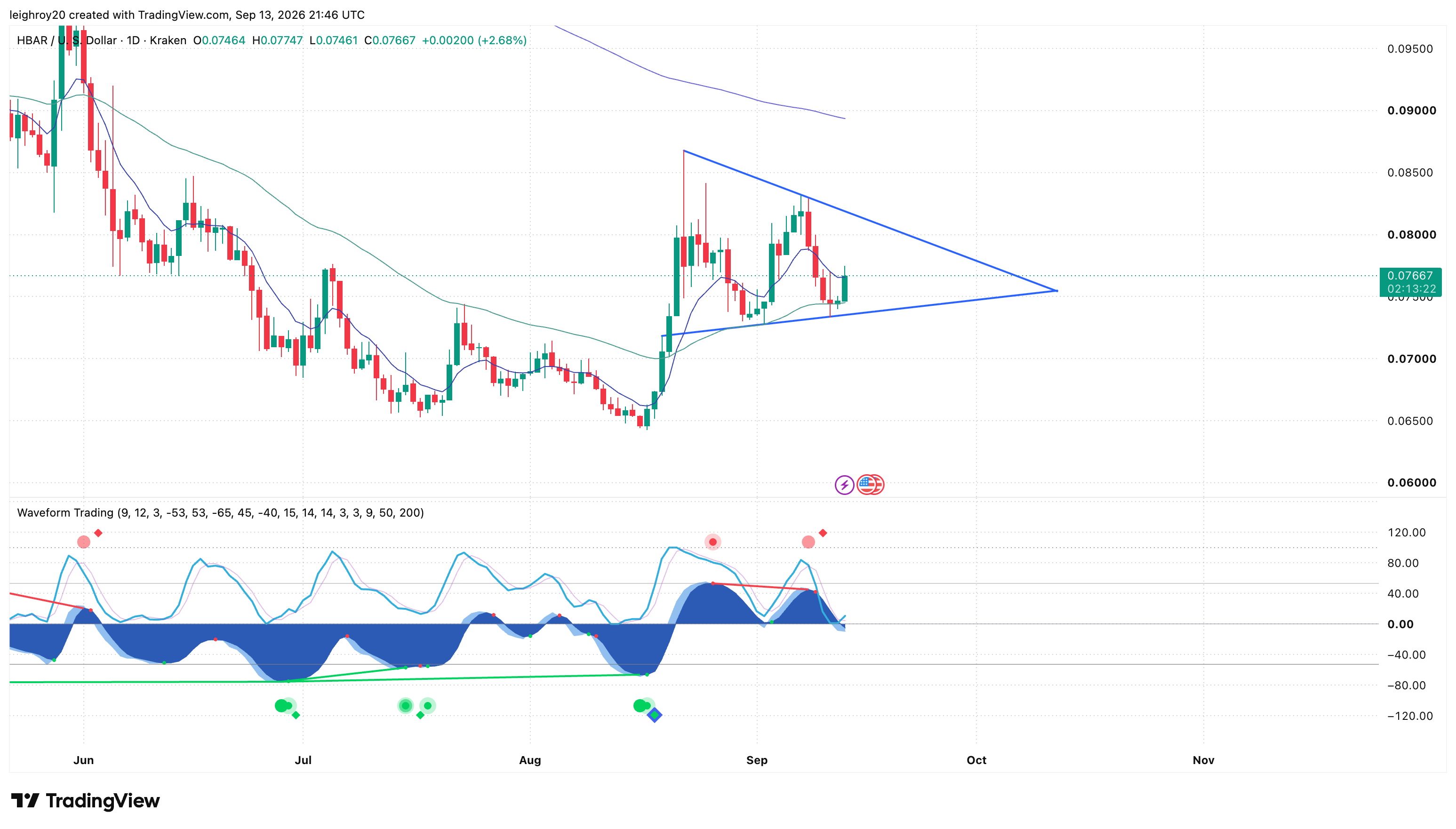
For the core entry framework, use the divergence circle paired with its confirmation diamond. The diamond tells you when the confirmed setup becomes available.
Assess a long setup after bullish divergence confirms at candle close.
Assess a short setup, or manage an existing long, after bearish confirmation.
The daily signal agrees with momentum on the last completed week. A diamond without it still counts.
With the default settings, divergence circles appear at the pivot two bars earlier. They are only known when the later diamond confirms. Turning off pivot placement moves the circle to confirmation time; it does not make the signal arrive earlier.
FOLLOW THE MARKERS
XRP · DAILY · AUGUST 2026The green circle marks the bullish setup. Wait for the later confirmation diamond before assessing the long entry. The entry marker points to the confirmation candle, not the earlier pivot.
Historical charts with illustrative entry, take-profit and stop annotations. These show how to apply the framework; they do not represent actual trade executions. On mobile, swipe the chart to inspect the labels.
03 / MANAGE THE TRADE
For a core long, use the green divergence circle and its bullish confirmation diamond; for a core short, use the red pair. Act after the confirmation candle closes. A separate extreme-zone circle is not required.
Place a long stop below the relevant price swing low, or a short stop above the swing high, with room for normal volatility and spread. Choose position size from the loss you can accept.
Each new confirmed large opposing dot prompts the partial exit in your plan. It is profit-taking only if the trade is in profit. Use the fixed-row signals, not the small dots on the wave.
An opposing circle with its confirmed diamond prompts closing the remainder or tightening its stop. This takes priority over the ordinary partial-exit step. Never loosen a stop to increase risk.
After closing, review the opposite setup as a new trade with a fresh entry, stop and position size. Unleveraged spot can exit a holding and wait for re-entry; it cannot open a short.
Our approach is patient accumulation, with a 30–90-day planning horizon. Some trades finish sooner; runners may last longer. Shorter-timeframe signals work as supporting evidence alongside price structure or another strategy.
Unleveraged spot is our starting point. For traders choosing leverage, we prefer 3× over 5× or 10×. Leverage increases losses as well as gains, and stops can slip. Waveform does not place orders, set stops or manage positions for you.
04 / WHEN A SETUP FAILS
HBAR / USD · Kraken · Daily candles · 30 June–11 July 2026. A real historical setup with an illustrative entry and stop, not a record of an executed trade.
The bullish diamond is on 30 June. That daily candle closed at $0.06948, with a low of $0.06860. The earlier green pivot circle was not an available entry signal before the diamond confirmed.
For this retrospective example, use the next daily open on 1 July: $0.06948. Choose an illustrative fixed stop at $0.06800, below the confirmation-period low. The buffer is a teaching choice, not a built-in Waveform stop. Hold that stop without trailing or adding to the position.
Price rallies first. On 11 July, the daily low reaches $0.06664, crossing the chosen stop. The candle closes back above the stop at $0.06844; a close-only review would miss the intraday breach.
A hypothetical fill exactly at $0.06800 is a 2.13% loss on the entry value before costs. For 1,000 HBAR, that is $1.48 on $69.48 of entry value. Real execution, fees and slippage change the result. A different exit plan could produce a different outcome.
This selected example is not a backtest or win-rate estimate. Waveform identifies a setup; your prewritten exit rule determines what you do when it fails. A stop-market order can fill beyond its trigger price, and a stop-limit order can remain unfilled. Check the order rules for your venue. Read Investor.gov’s explanation of order types.
05 / WATCH & LEARN
Daily chart · 2 min 39 sec · Historical example
This earlier walkthrough illustrates entries, partial exits and stops on historical charts. Apply the circle-and-diamond core rules above. Standalone-dot entries are supplementary examples; partial sizes and stop moves are illustrative choices.
Written guide: pages 2 and 16. Follow the access email before installation.
Written guide: pages 14–15. Understand the context and create your alerts separately.
Write down the entry, invalidation, risk, partial exits and remaining-position plan.
06 / GET HELP
Email support@waveformtrading.com with your order reference, TradingView username and the issue. For a chart problem, include the market, timeframe and a screenshot with private information hidden. We never need your password or broker credentials.